Author
Published
May 12, 2026
Updated
May 13, 2026
LIVE
Schedule targeted messages on multiple latforms that drive customers back to your storefront with clear, action-led campaigns.
Author
Published
May 12, 2026
Updated
May 13, 2026
Overview
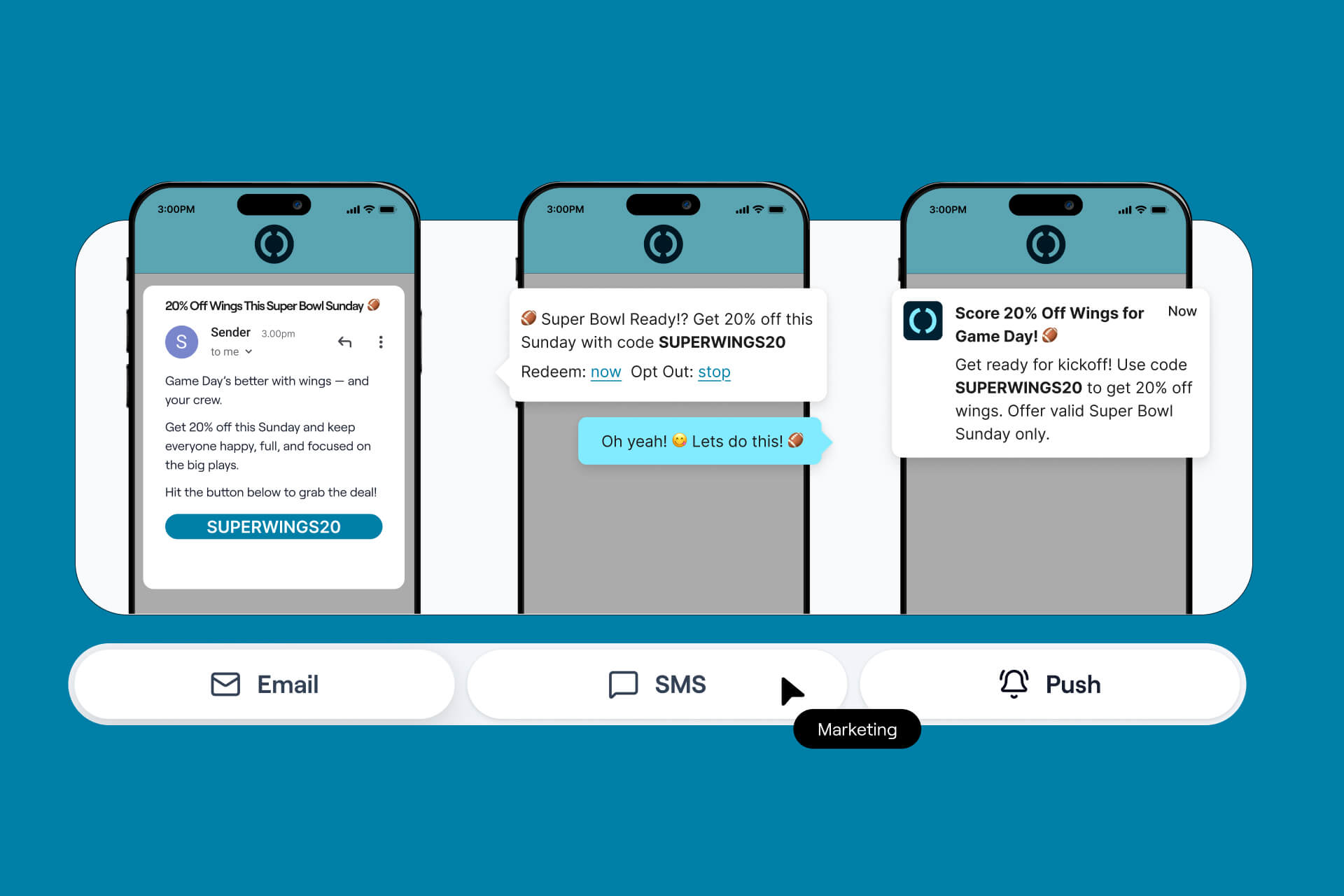
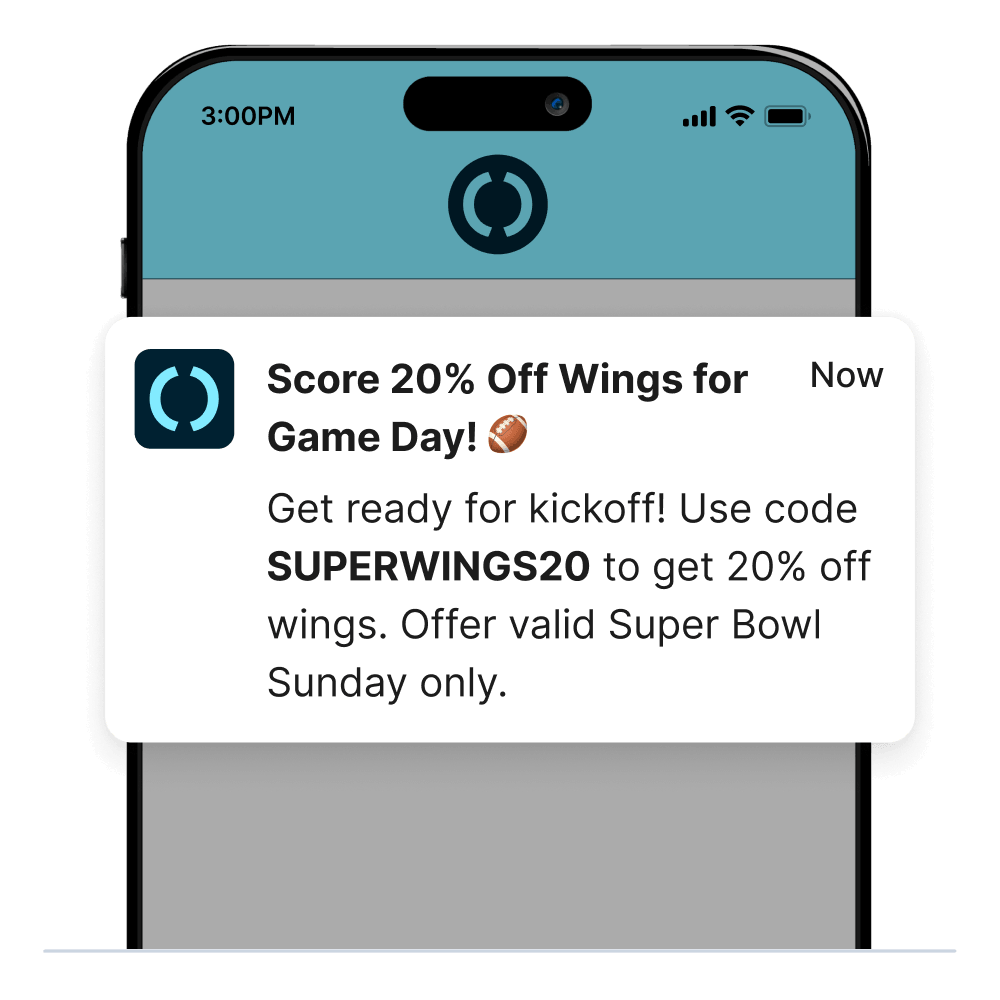
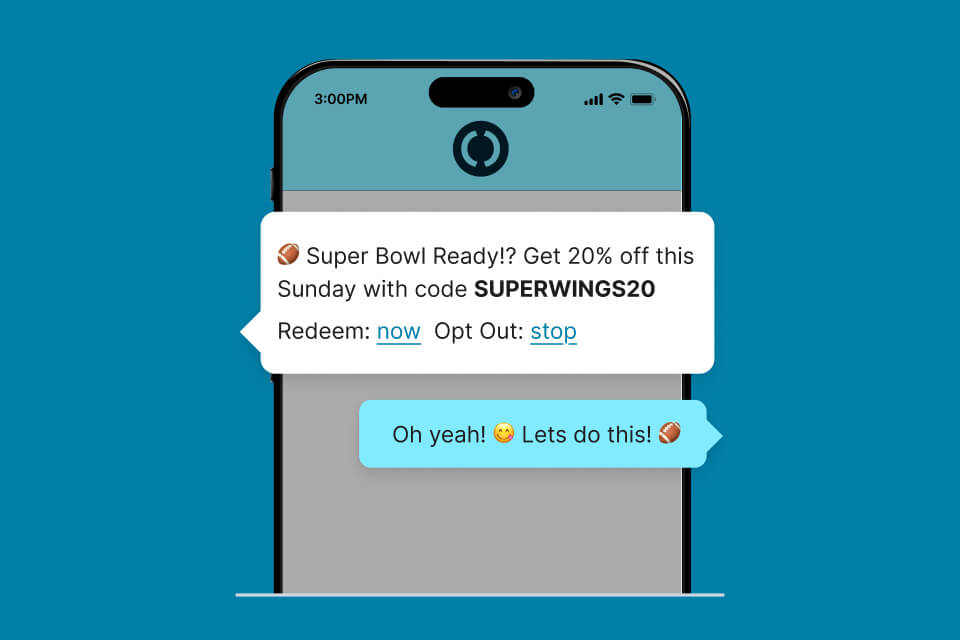
Message Scheduler helps hospitality brands plan, schedule, and send targeted customer messages across Email, SMS, and Push Notifications.
Each message can include a storefront action, helping customers apply a voucher, view a product, browse a category, or open loyalty from the message.
Use it to promote limited-time offers, launch new menu items, support seasonal campaigns, reactivate customers, or keep guests informed with timely updates.
Key Benefits
Key Features
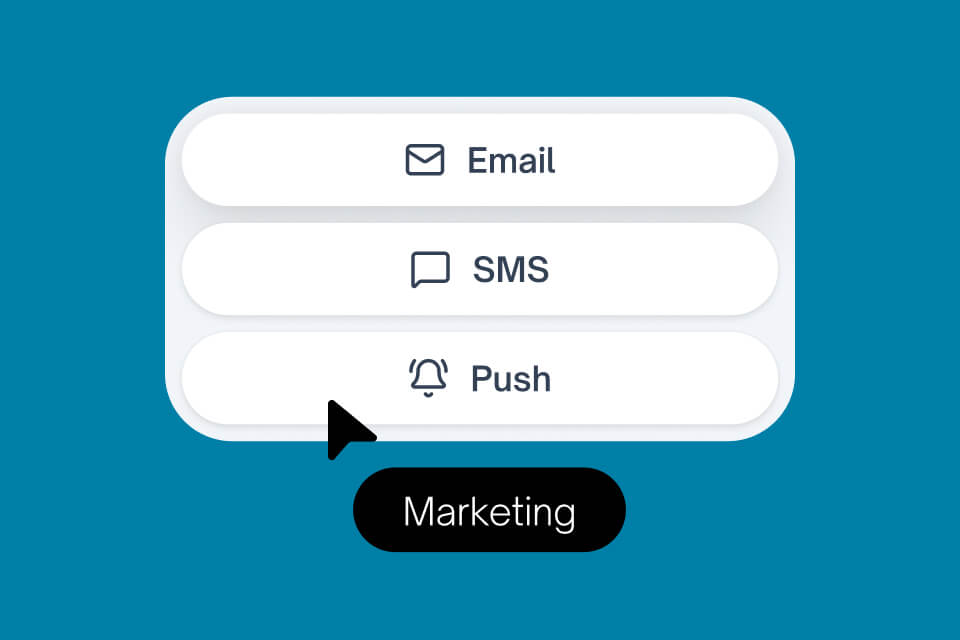
Schedule customer messages across Email, SMS, and Push Notifications from one workflow.
Choose when messages appear or send, making it easier to plan promotions, reminders, and campaign moments in advance.
Add actions that let customers apply a voucher, view a product, browse a category, or open loyalty directly from the message.
Target messages by location, platform, and channel opt-ins to keep campaigns relevant to the right customers.
Send Push Notifications to customers using branded native apps, ideal for timely reminders and reactivation campaigns.
Use customer segments such as Champions, Loyal, At Risk, and Inactive to tailor campaigns based on behaviour and value.
Who this is for
Message Scheduler is designed for hospitality brands that want to turn customer data into timely, action-led campaigns.
It is especially useful for marketing, loyalty, and digital teams running promotions, new product launches, seasonal campaigns, reactivation journeys, and app engagement campaigns across multiple locations.
Launch Checklist
Metrics
3
4
180 days
Weekly
Push Notifications require a branded native app with a push-capable version enabled.
Yes. Messages can include actions that apply a voucher, open a product, open a category, or send customers to loyalty.
Optional RFM segmentation is available, allowing teams to target groups such as Champions, Loyal, Recent, Needs Attention, At Risk, and Inactive customers.
Yes. Message Scheduler is ideal for reactivation campaigns, loyalty reminders, promotional offers, and time-sensitive updates.
Yes. Messages can be targeted by location, platform, and customer channel opt-ins.
Supported actions include Add Voucher, View Product, View Category, and View Loyalty.
Message Scheduler supports Email, SMS, and Push Notifications. Push Notifications require a branded native app with push capability.
Message Scheduler lets you create and schedule customer messages across Email, SMS, and Push Notifications, with actions that help customers move from message to order.